Servers
Server Details
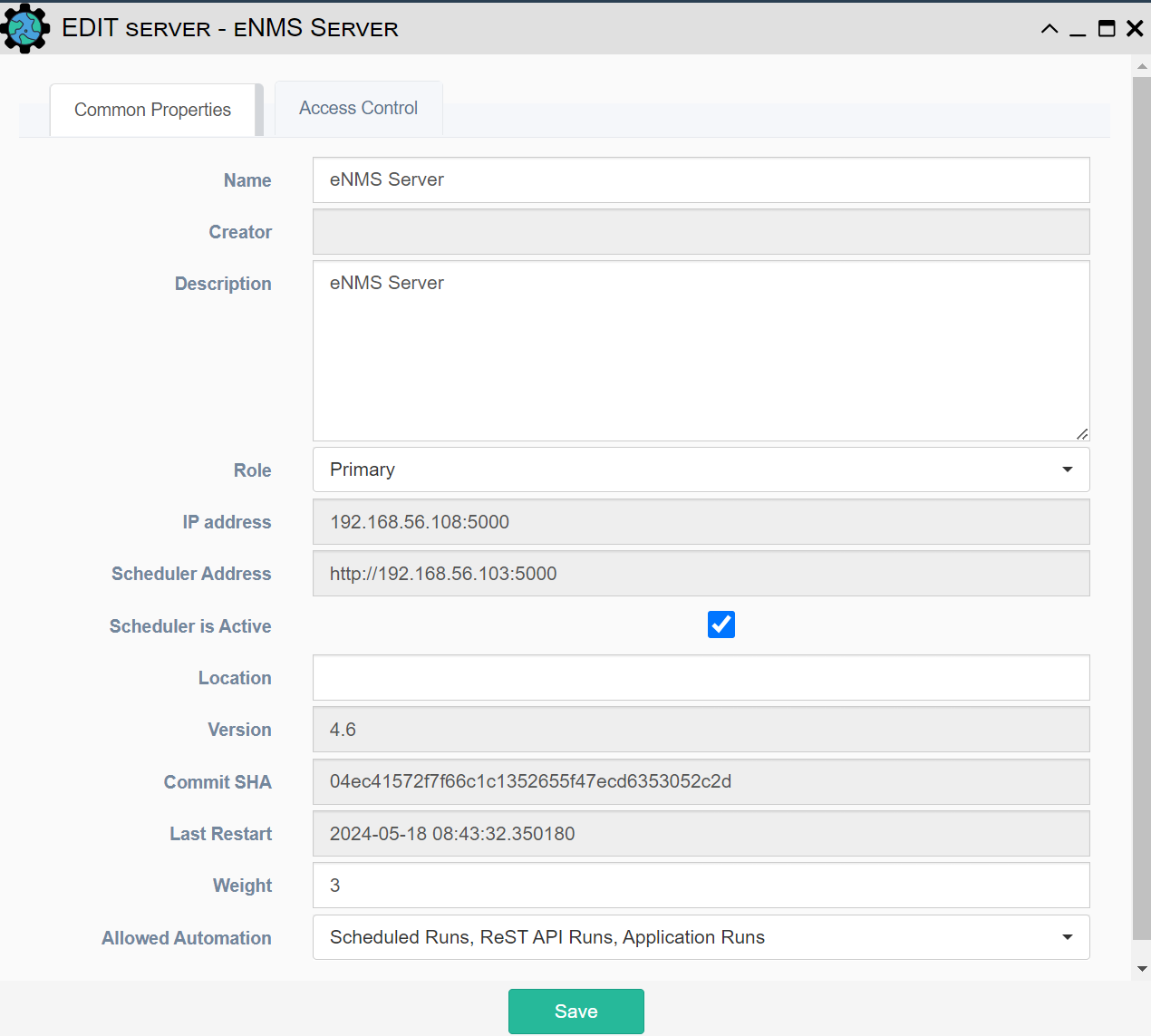
- Name: Name of the worker - defaults to "Server Name - Process ID"
- Creator: Auto Populated field based on the user who built the team
- Last Modified: The date and time when the object was last updated.
- Last Modified By: The user who last updated the object.
- Description: Text field for storing notes
- Role
- Primary: Primary server of the cluster
- Secondary: Secondary server of the cluster
- IP Address: IP Address of the server
- Scheduler Address: Address of the Scheduler used by the Server to run tasks. This property is initialized using the SCHEDULER_ADDR environment variable
- Scheduler Active: Can be used in custom code to determine which server in the cluster is responsible for scheduling tasks. This property is initialized using the SCHEDULER_ACTIVE environment variable
- Location: Physical location of the server. This property is initialized using the SERVER_LOCATION environment variable
- Version: eNMS version running on the server, as defined in settings.json > "app" > "version". Updated every time the application starts
- Commit SHA: Commit SHA of the latest git commit in the eNMS repository, updated every time the application starts. This quickly shows if all servers are running the same version of the code, and identifies the exact code being run if they are not
- Latest Restart: Date and time of the last server restart
- Weight: Weight of the server, used in custom master election processes
- Allowed Automation Defines what services the server is allowed to run. The default configuration of the "Allowed Automation" setting can be configured from settings.json > "cluster" > "allowed_automation"
- Scheduled Runs: The server is allowed to run services from scheduled tasks ("run_task" REST endpoint)
- ReST API Runs: The server is allowed to run services from REST API requests ("run_service" REST endpoint)
- Application Runs: The server is allowed to run services started from the GUI ("run_service" controller endpoint)